
Monetize Your Blog with Fanvaiy's Paid Posts Feature

Fanvaiy
Author
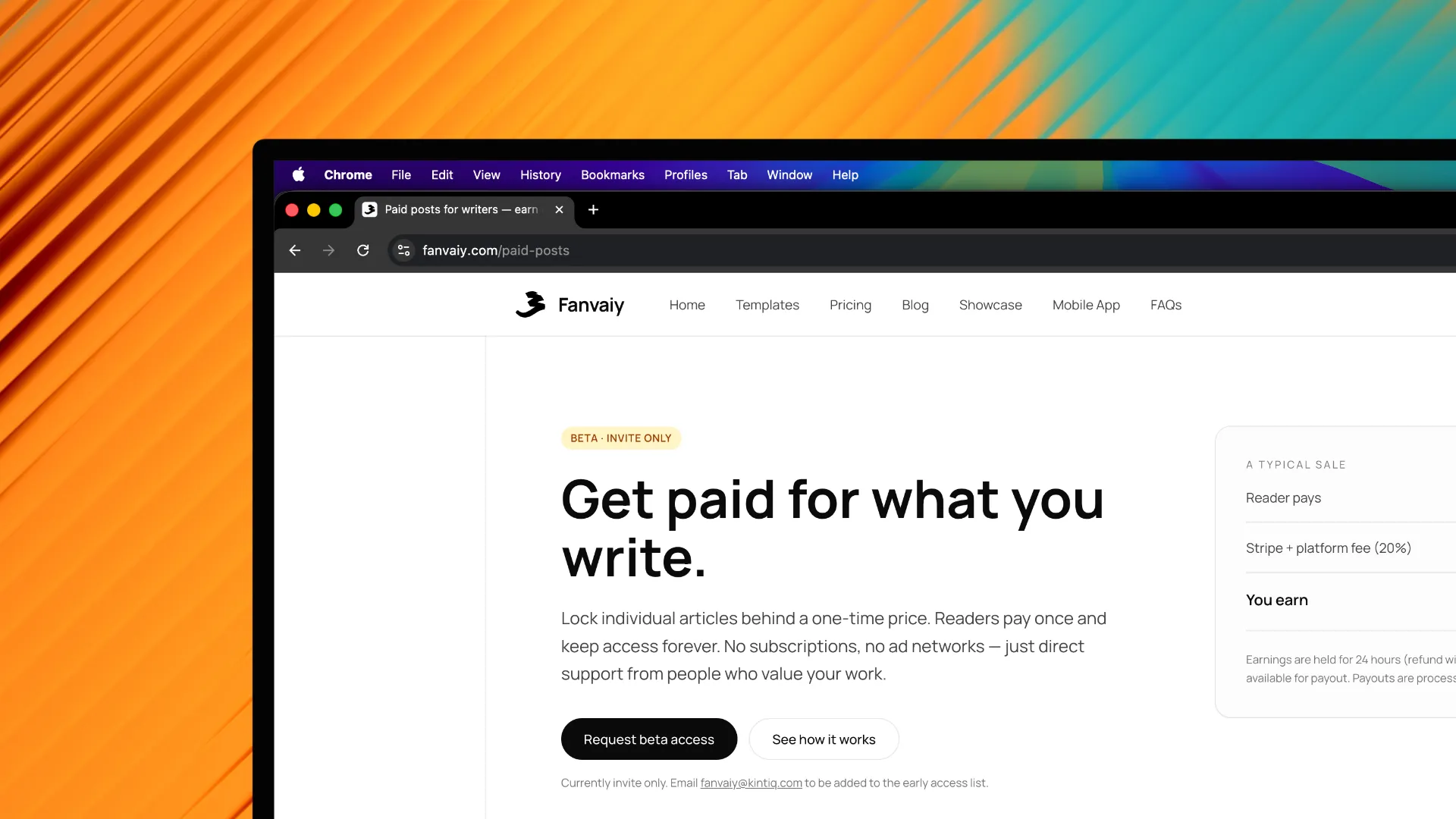
Introduction to Fanvaiy and Its Paid Posts Feature
In the ever-evolving landscape of digital content creation, bloggers are continually seeking innovative ways to monetize their efforts. Fanvaiy emerges as a modern blogging platform that caters to this need, offering a unique paid posts feature. This tool allows bloggers to transform their passion for writing into a sustainable source of income by enabling them to charge readers for exclusive content. By leveraging Fanvaiy, bloggers not only gain access to a suite of powerful tools but also tap into a community eager for quality content. This guide will walk you through the essential steps to effectively utilize this feature and maximize your earnings.
Setting Up Your Fanvaiy Account
To begin your journey with Fanvaiy, you first need to create an account. Follow these steps to set up your account and get ready to monetize your blog:
Visit the Fanvaiy website: Navigate to the official Fanvaiy site and locate the sign-up button.
Fill in your details: Provide the necessary information, including your email address, password, and desired username.
Verify your email: Check your inbox for a verification email from Fanvaiy and click the link to confirm your account.
Complete your profile: Log in to your new account and fill out your profile. Include a bio, profile picture, and links to your existing blog or social media.
Create your blog: Set up your blog, choose your domain, and fill in all the required fields.
Request the paid posts feature: Send an email to [email protected] to request access to paid posts. The Fanvaiy team will review your site before enabling the feature.
Eligibility for paid posts
To qualify for paid posts, your site should generally have at least 500 published posts. However, this is a guideline, not a hard rule:
Depending on the quality and nature of your content, the Fanvaiy team may grant access even if you haven't reached 500 posts.
Likewise, a site with more than 500 posts can still be rejected if the content is low quality.
In short, content quality is the deciding factor — the post count is just a general benchmark.
How paid posts work
Once the feature is enabled for your account, you can set a price on any individual post you publish. Pricing is controlled per post, so each article can have its own price.
Creating and Pricing Paid Posts
Crafting engaging paid posts is crucial for attracting paying readers. Here’s how to create and price your content effectively:
Identify your niche: Focus on topics that resonate with your audience and align with your expertise.
Write compelling content: Ensure your posts are well-researched, informative, and engaging. Use a captivating title and include relevant images to enhance the reader’s experience.
Set your pricing: Consider factors such as post length, depth of content, and audience willingness to pay. You may want to start with competitive pricing to attract initial readers.
Offer incentives: Introduce limited-time discounts or bundle offers for multiple posts to encourage more purchases.
By focusing on quality and strategic pricing, bloggers can effectively entice readers to invest in their paid content.
Promoting Your Paid Posts
Once your paid posts are live, effective promotion is essential for driving traffic and increasing visibility. Consider these strategies:
Utilize social media: Share snippets of your paid posts on platforms like Facebook, Twitter, and Instagram to draw attention.
Engage with your audience: Foster a community around your blog by responding to comments and encouraging discussions, which can lead to increased interest in your paid posts.
Leverage email marketing: Create a newsletter to inform subscribers about new paid posts and special promotions.
Collaborate with other bloggers: Partner with fellow bloggers for guest posts or shout-outs that can help widen your audience.
With a robust promotional strategy, bloggers can effectively boost the visibility of their paid posts and attract more readers.
Managing Payments and Earnings
To ensure a seamless monetization experience, it’s important to stay organized with your payments and earnings from Fanvaiy:
Track your earnings: Regularly check your Fanvaiy dashboard to monitor sales and analyze which posts generate the most revenue.
Manage payment settings: Ensure your banking information is accurate for prompt withdrawals. Familiarize yourself with Fanvaiy’s payout schedule.
Withdraw funds: Once you reach the minimum payout threshold, you can request a withdrawal to your bank account or preferred payment method.
By keeping an eye on your finances, bloggers can make informed decisions about their content and monetization strategies.
Best Practices for Maximizing Revenue
To fully capitalize on Fanvaiy’s paid posts feature, consider the following best practices:
Consistency is key: Regularly publish new paid posts to keep your audience engaged and coming back for more.
Solicit feedback: Encourage readers to provide feedback on your paid content to enhance future posts.
Analyze performance: Use analytics tools to assess which posts perform best and tailor your content strategy accordingly.
Stay updated: Keep an eye on trends within your niche and adjust your content to reflect changing interests.
By implementing these strategies, bloggers can create a sustainable income stream and maximize their revenue through Fanvaiy’s paid posts feature.
Leave a comment
Comments
No comments yet. Be the first to comment!